


Open your project
Otto's window floats beside Resolve and watches every clip once, sound included. It remembers them after that.
 Works inside DaVinci Resolve Studio
You don't need to know editing. No long prompts. Just say what you want.
Free during the beta. Windows, with DaVinci Resolve Studio.
No templates to learn and no settings to find. If you can describe it, Otto can cut it.
Otto's window floats beside Resolve and watches every clip once, sound included. It remembers them after that.
Type it the way you'd text an editor. Otto shows its plan first, and asks one question if something's unclear.
"Swap the last shot." "Less glow." Only what you name changes, until the edit is yours.
Build it the way an editor would: the cut first, then motion, words, colour and sound. Otto shows you each step and changes only what you ask for.
Every clip with its sound, every word that's said, and every layer of the song. Otto remembers it all, so it never watches the same clip twice.
Before anything lands on your timeline, Otto says what it'll do and where. Say go, or change it.
Real clips on real tracks, on Otto's own timeline beside yours.
Name the moment. Otto finds it in your footage and offers versions drawn on your own frames.
Not a template. Otto designs caption looks for your footage, timed to every word, and keeps them editable.
Like a colourist: convert, correct, then grade. Each step waits for your yes.
Otto lists the sounds it'd use and where. Nothing goes in until you agree.
A vertical version that follows the subject, and an export set up for where it's going.
The same library that's in the app. Every look is shown on your own footage. Add your own LUTs and sounds.
14 caption looks. Mix and match: swap any look's font, colour, glow or how the words come in. Nothing goes on until you tap.
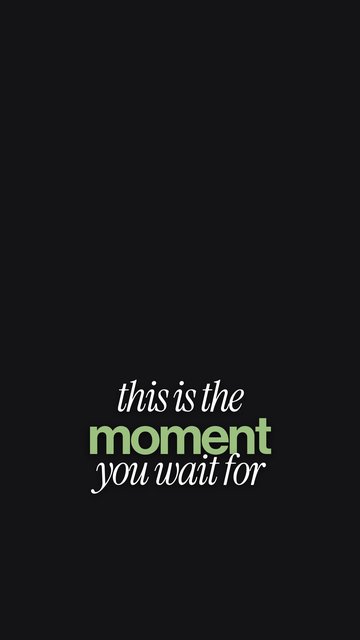

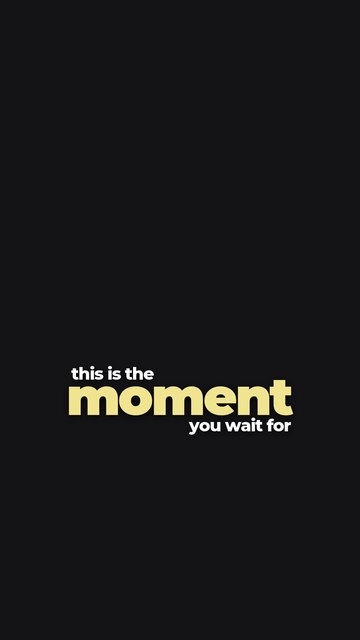
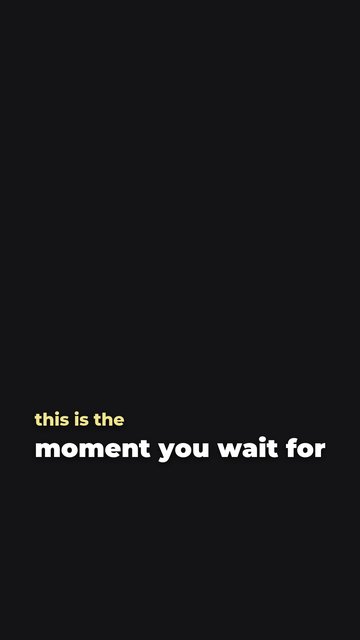
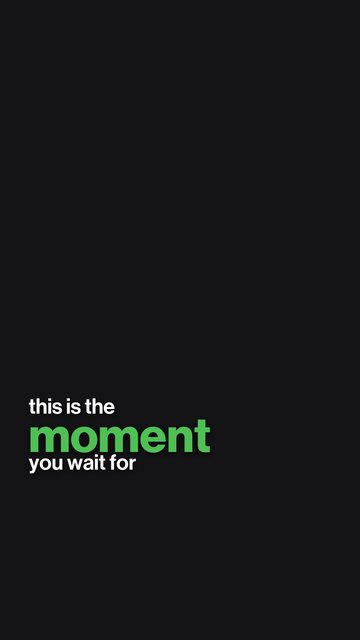
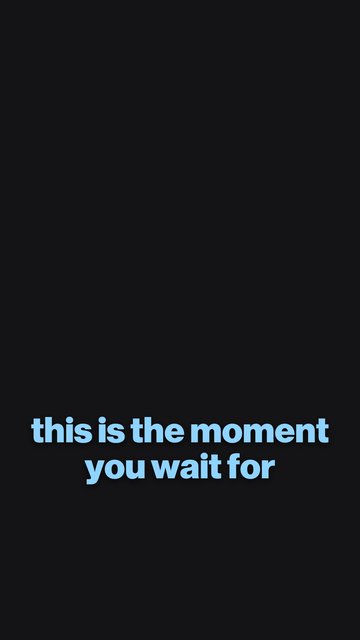
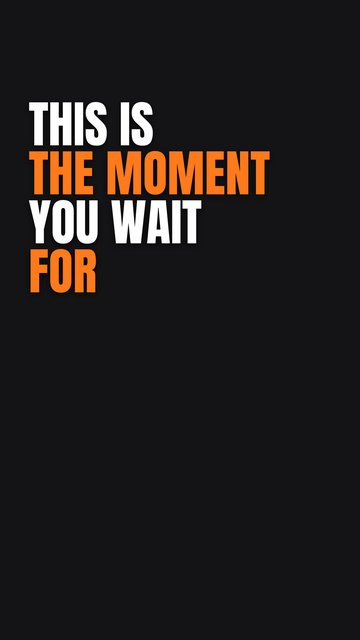
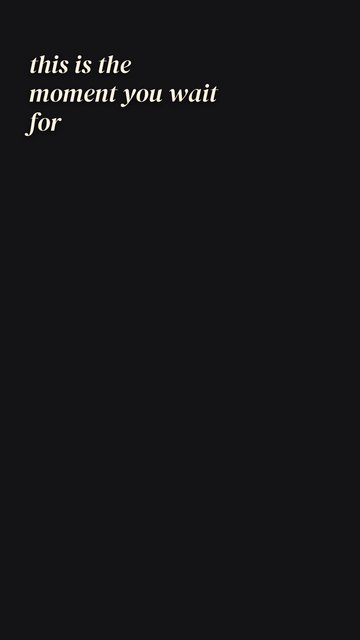
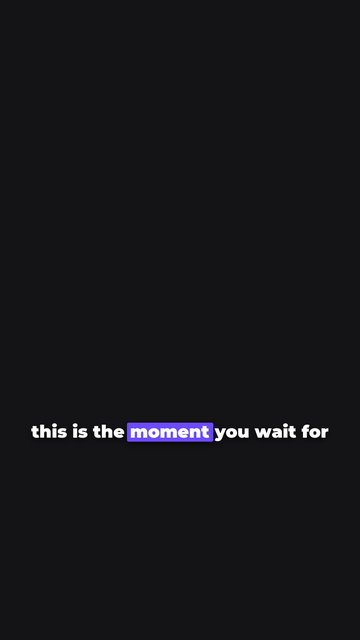
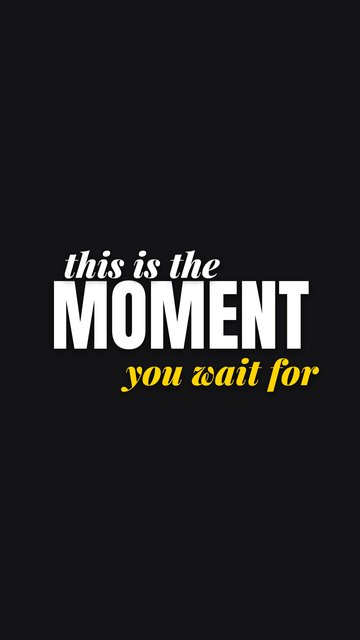
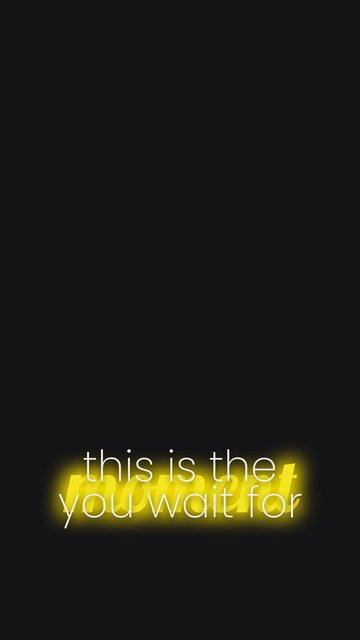
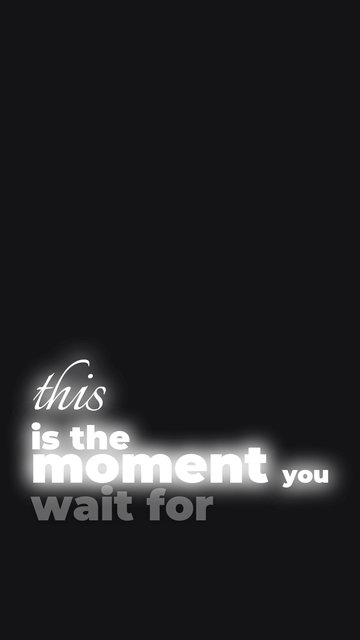
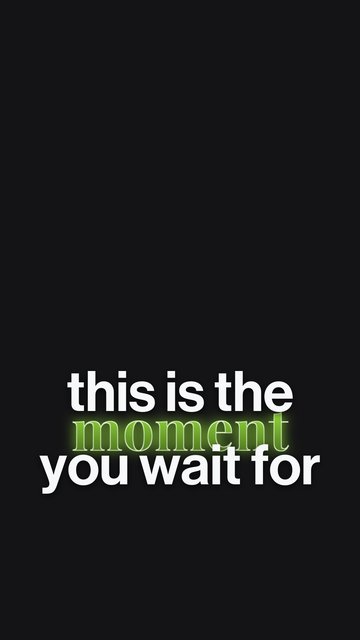
6 title looks. Ask for a title and it shows them on your frame.
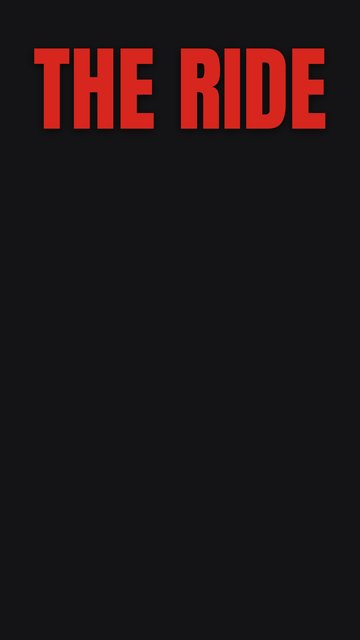
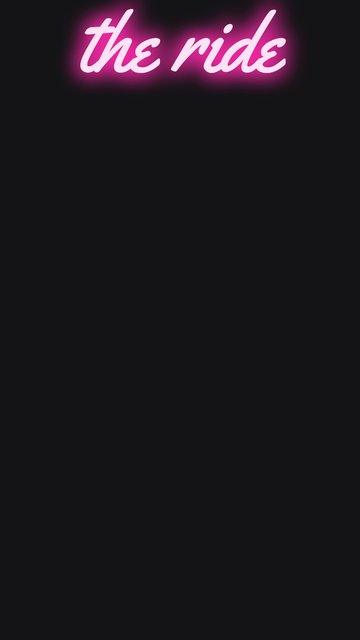
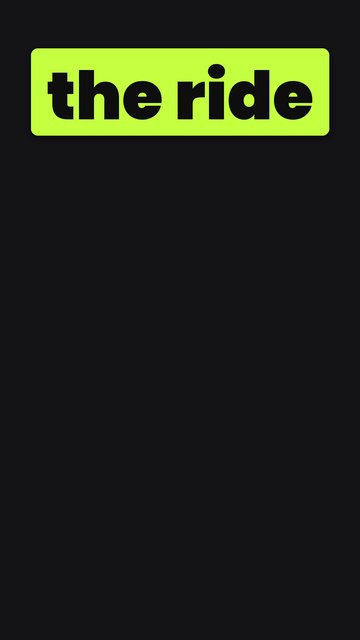
6 speed ramp shapes, each fitted to the moment you name. Tap one and it's on the timeline, or drag its curve to make it yours.
Otto's 8 looks, plus any LUT folder of yours. Log footage is converted before a look goes on.
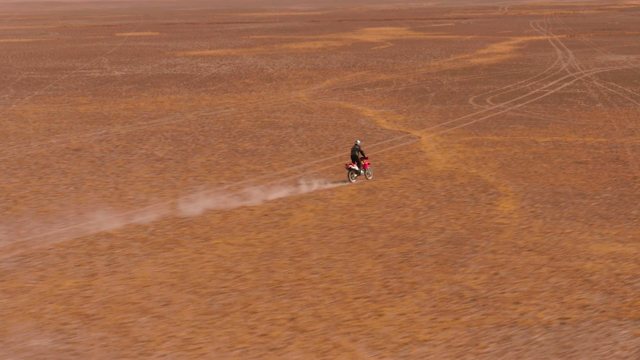
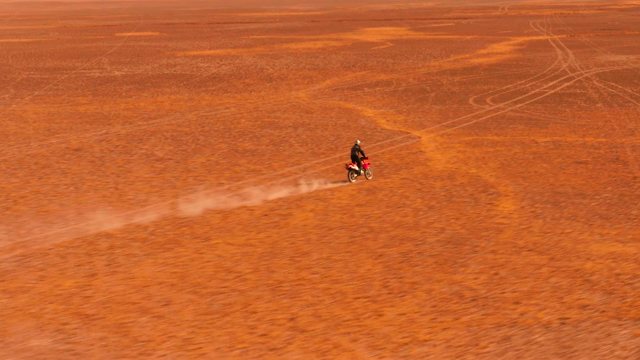
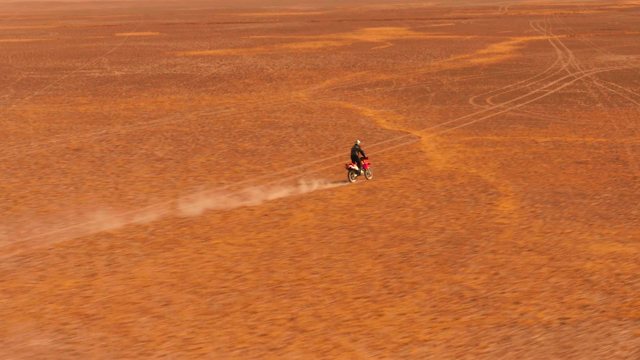
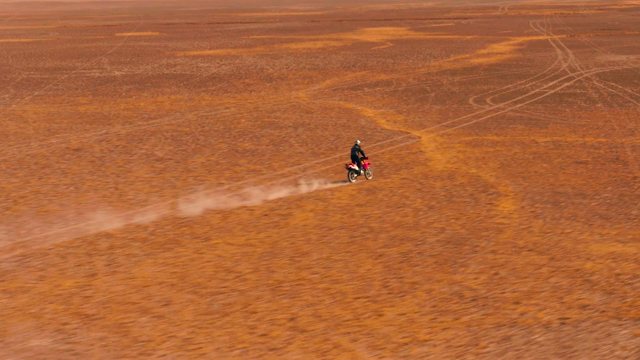
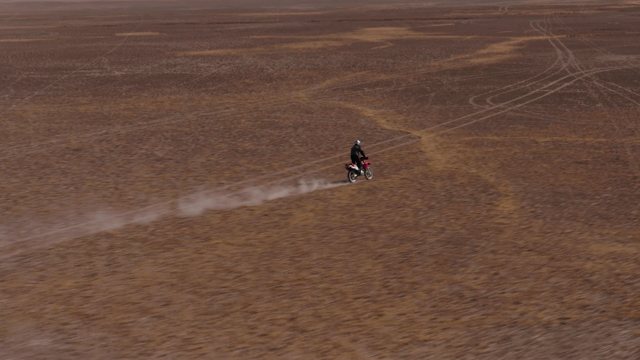
Sound kinds Otto can place on a cut. Switch any kind off, or add folders of your own.
Tailored by you, for you. Otto builds every edit around what you shot: your moments, your beat, your words. Never a preset or a template.
An assistant that takes over your project is worse than none. Otto is built the other way round.
Otto's version lands beside yours as "Timeline 1 · Otto". Yours is never touched. Real clips on real tracks, so you can take over by hand at any point.
 OTTOEDITReady
Every change Otto makes can be taken back, and it tells you what came off.
For anything that's taste (captions, titles, ramps, transitions, effects, looks) Otto shows cards on your footage and waits for your tap. Mix and match: stack transitions on one cut, swap a caption's font or colour.
Speech is turned into words on your own computer. Your original files never leave it.
OTTOEDITReadyA note changes that one thing. The rest stays exactly as it was.
Every project has its own conversation with Otto. Close Resolve, come back next week, and it still knows what you asked, what it did and what you changed. Undo still works.
OTTOEDITDesert Ride · next weekOtto reads your project and tells you the cause and one fix. "How do I…?" gets answered from the official Resolve manuals.
OTTOEDITReadyReal footage, edited by Otto, with notes from the person who shot it. The first edits land here soon.
A hands-on preview with sample footage and set replies, so you can feel how Otto works. The real Otto runs inside your own DaVinci Resolve, on your footage.
The short answers. All questions, or write to us.
Otto is an AI video editor that works inside DaVinci Resolve Studio. You tell it what you're making in plain words, the way you'd text an editor. It watches every clip, builds the edit on its own timeline in your project, and takes your notes from there. Whenever it's a matter of taste, like a caption look, a speed ramp or a transition, it shows you cards drawn on your own footage and waits for your tap.
The bulk of an edit. It cuts talking heads down to the clean takes, cuts music videos to the beat, drops in b-roll from your own clips, and adds animated captions, titles, speed ramps, transitions, effects, zooms, sound effects and colour. It makes vertical versions and does the export. Every choice of taste is a one-tap card on your own footage, and you can mix and match: stack transitions on one cut, swap a caption's font or colour, drag a ramp's curve. It can also work out why Resolve is misbehaving. What it can't do yet: Magic Mask, multicam and audio mixing.
No. Otto is chat first: you say what you want, the way you'd text an editor, and it does it. Buttons only show up when there's a choice of taste, like which caption look or which transition, and then it's one tap on a card showing your own footage.
No. Otto has no presets and no templates. It builds the edit around what you shot: your moments, your beat, your words. When it's a matter of taste, it shows you cards drawn on your own footage, so you see the caption, ramp or transition on your shot before anything goes on. Nothing is added until you tap, and it never throws in a flashy transition you didn't ask for.
Yes. It listens to the song first: the tempo, the beats, where the chorus kicks in, the lyrics. Drop markers if you know where you want the cuts. If not, it'll find them in the music.
Yes, and it's one of the fun bits. Every word is timed to the voice and can slide, pop, bounce or type itself on letter by letter, with the key words picked out in their own colour and glow. Otto shows you a row of 14 caption looks, each one drawn on a frame of your own clip. Tap one and lay it as it is, or mix and match first: swap the font, pick a colour from the wheel or straight from your footage, add glow, change how the words come in and go out. You can also just say it: "like that one, but green".
Yes. Ask it to slow a shot down and it's done, flat or ramped. Name a moment, like "when he jumps", and it shows you six ramp cards, each with three frames of your shot and its speed curve. Tap one and it's on. Want it different? Drag the curve: up for faster, down for slower, sideways for earlier or later. Each ramp is fitted to the length of its shot, so it never runs out of footage and freezes.
Yes, 13 of them: flash, fade, wash, bloom, defocus, whip, zoom punch, zoom blur, spin blur, slide, soft blur, light leak and sunset leak. Ask for one and Otto shows you cards, each playing the transition between your own two shots. Tap one, pick which cuts get it, and it's on. You can mix and match too: stack up to three on one cut, like a soft blur with a light leak. It won't throw them in on its own if you didn't ask. There are six effects too, like blur the background and colour pop, each shown on a still of your shot.
No. It only touches what you name. For anything that comes down to taste, like a caption style or a speed ramp, it shows you the options and waits. Its edit lives on its own timeline, never on top of yours, and "undo" takes you back.
Resolve 21.1 lets an AI chatbot drive Resolve, but you have to know exactly what to ask for, and it mostly works off the transcript. Otto actually watches the footage, so it knows which shot has the dog in it. It'll pitch ideas when you're stuck, build the captions and ramps for you, and keep everything on its own timeline. There's also nothing to set up.
Not the whole thing. Speech-to-text runs on your own computer. To see your shots, Otto sends some frames and short bits of your clips to a vision model. Your instructions and the transcript go to a language model so it can think it through. Your original files never leave your machine.
Not yet on either. You need DaVinci Resolve Studio, the paid version, on Windows. Better you hear it now than halfway through an install.
Free right now, no card. We're letting people in a few at a time and approving each one by hand. When it's your turn, you'll get one email with your download.
Free during the beta
Open Resolve, say what you want, and watch it come together on your own timeline. No editing skills needed.
Windows 10 or 11 · DaVinci Resolve Studio · Seats open in small batches


